Free Digital Invitation Maker with a Wishlist QR Code
Design a birthday, wedding, or baby shower invitation online, add a QR code that links straight to your wishlist, and share or download it in one tap. No design skills, no cost.
Browse Invitation TemplatesHow the Invitation Maker Works
Three steps to a finished invitation - no design tools required.
Pick a Template
Choose from birthday, wedding, and baby shower invitation designs that work on any phone.
Personalize It
Add your names, date, and message, then link a wishlist so the QR code points to your gift list.
Share Instantly
Share or download your invitation, then send it by text or social media. Guests scan the QR code to see what to bring.
Invitation Templates for Every Occasion
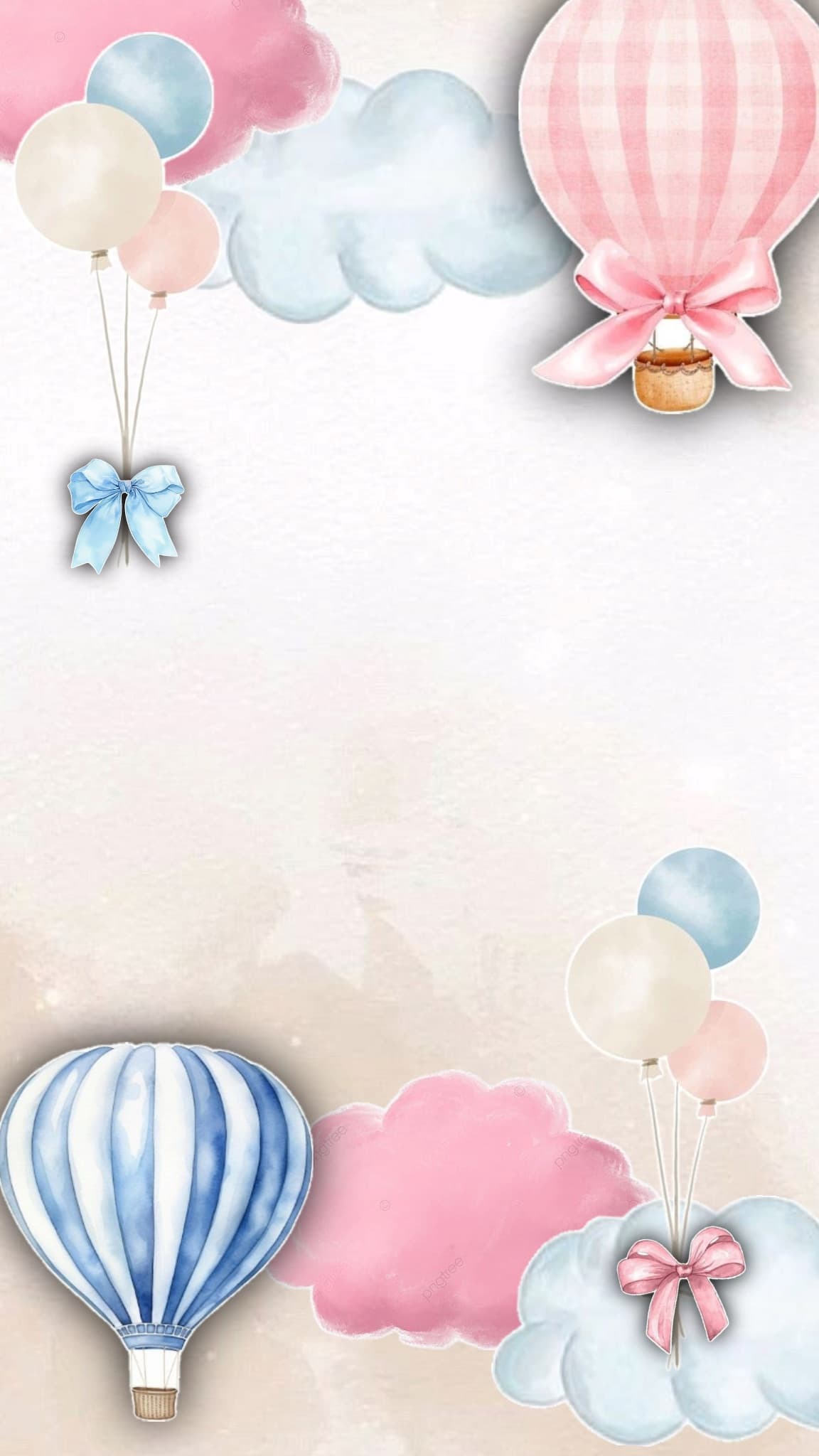
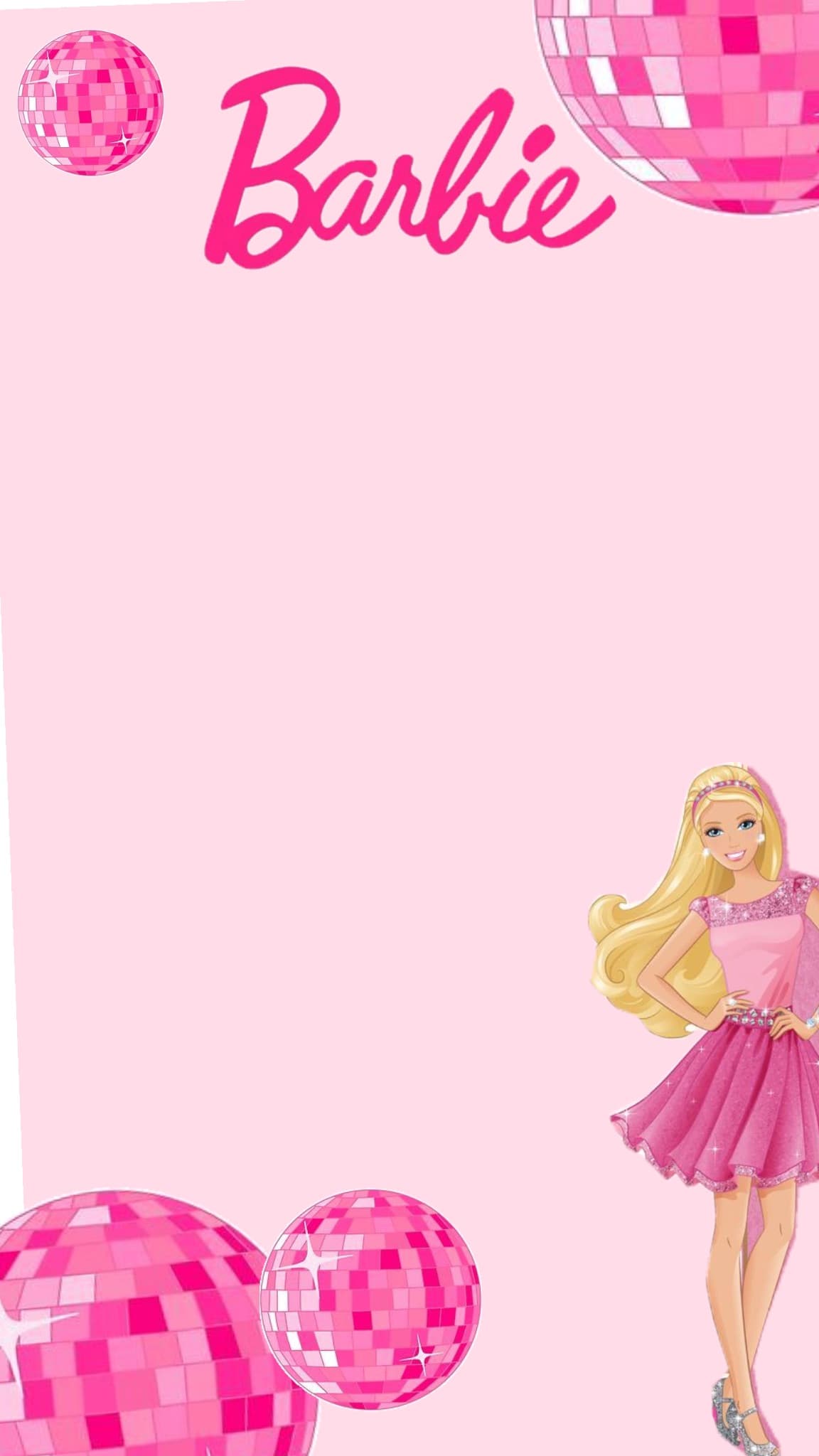
Browse digital invitation designs for birthdays, weddings, and baby showers - each one ready to personalize.






Why Use the KeepMyWish Invitation Maker?
Built-in Wishlist QR Code
Every invitation can carry a QR code that links to your wishlist - guests know exactly what to bring.
No Duplicate Gifts
Guests reserve gifts from the linked wishlist, so nobody buys the same present twice.
Works on Any Device
Your digital invitation looks great on phones, tablets, and desktops - no app to install.
Easy to Customize
Swap the text, date, and details in seconds. No design experience needed.
Ready in Minutes
Pick a template, personalize it, and share - the whole thing takes less than five minutes.
Completely Free
Make and share unlimited digital invitations at no cost. No premium plans, no watermarks.
Invitations by Occasion
Jump straight to the invitation type you need.
Invitation Maker FAQ
How do I make a digital invitation?
Pick a template from the invitation gallery, add your names, date, and message, optionally link a wishlist for the QR code, then share or download the invitation to send by text, email, or social media.
What is the wishlist QR code on the invitation?
Each invitation can include a QR code that links to your KeepMyWish wishlist. When guests scan it, they see exactly what you want and can reserve a gift so there are no duplicates.
Is the invitation maker free?
Yes. You can design, customize, and share unlimited digital invitations for free - no watermarks and no premium upsell.
Do guests need an account to open my invitation?
No. Your invitation is shared as an image - guests just scan its QR code to open your wishlist, with no account needed to view it. They only need an account if you want them to reserve a gift.
What types of invitations can I create?
There are templates for birthday invitations (for boys and girls), wedding invitations, and baby shower invitations - with more designs added over time.
Can I edit my invitation after sharing it?
Yes. Sign in, open the invitation from your saved list, and update any detail. Invitations are shared as an image, so just export and share the updated version after you make changes.
Make Your First Invitation in Minutes
Pick a template, add your details and a wishlist QR code, and share it - all for free.
Browse Invitation Templates